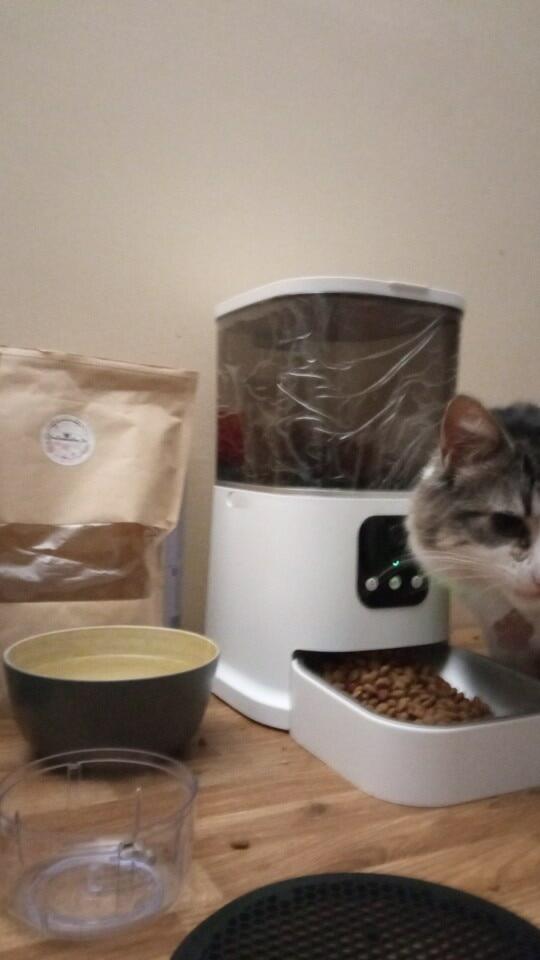



WagFeeder™ - Large Smart Automatic Cat/Dog Feeder With WIFI Camera (App Control)
A little more routine at mealtime.
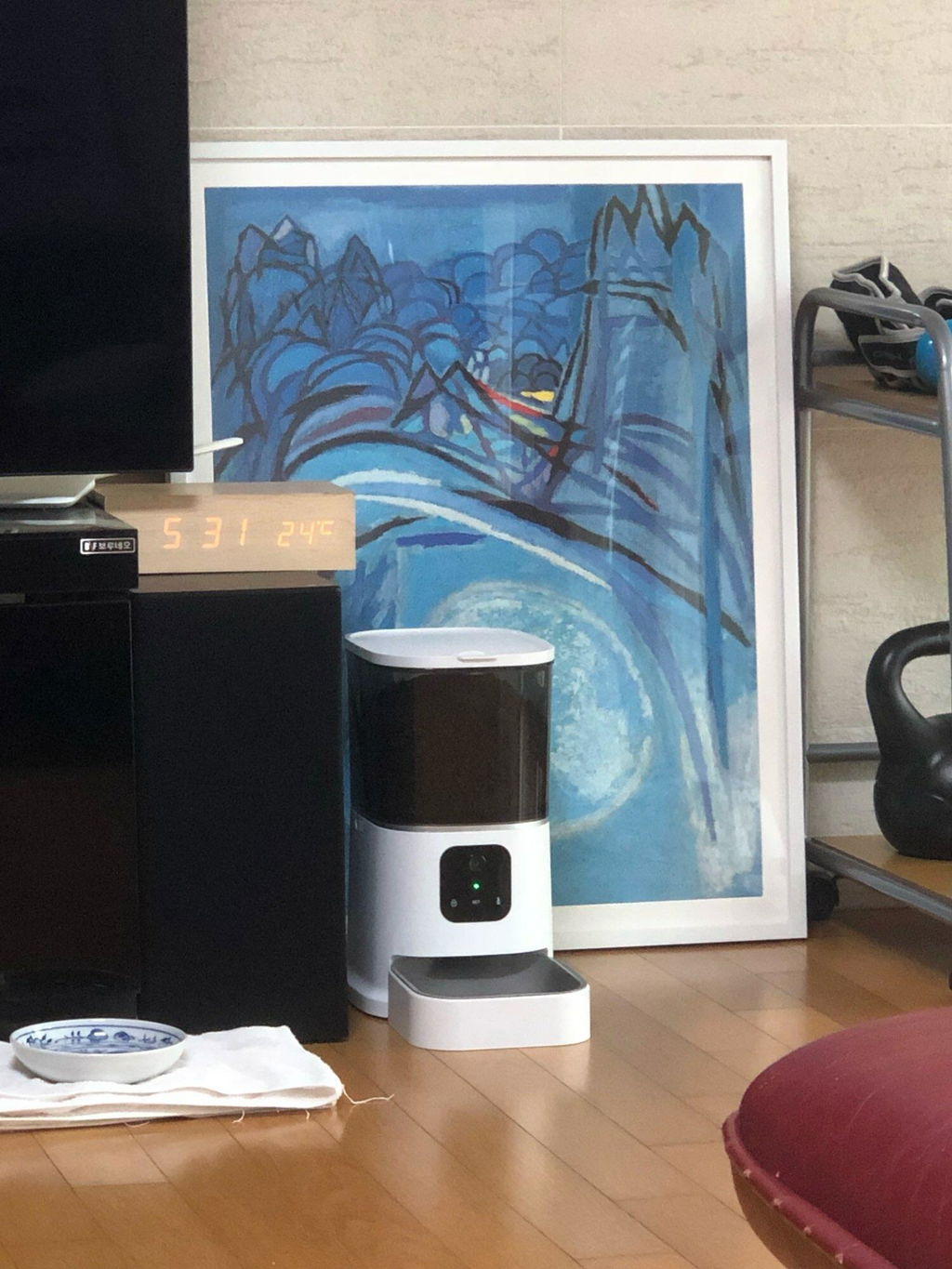
A 6 L automatic dry-food feeder with app controls, a built-in camera and two-way voice for everyday check-ins.
- Scheduled + manual feeding
- 6 L food tank
- Removable tank + tray
Before you order: Requires 2.4 GHz Wi-Fi for connected features. Use dry kibble, 2–12 mm in size.
Included: White WagFeeder, power adapter, USB cable and instruction manual. Batteries not included.

Set their meals. Check in from your phone.
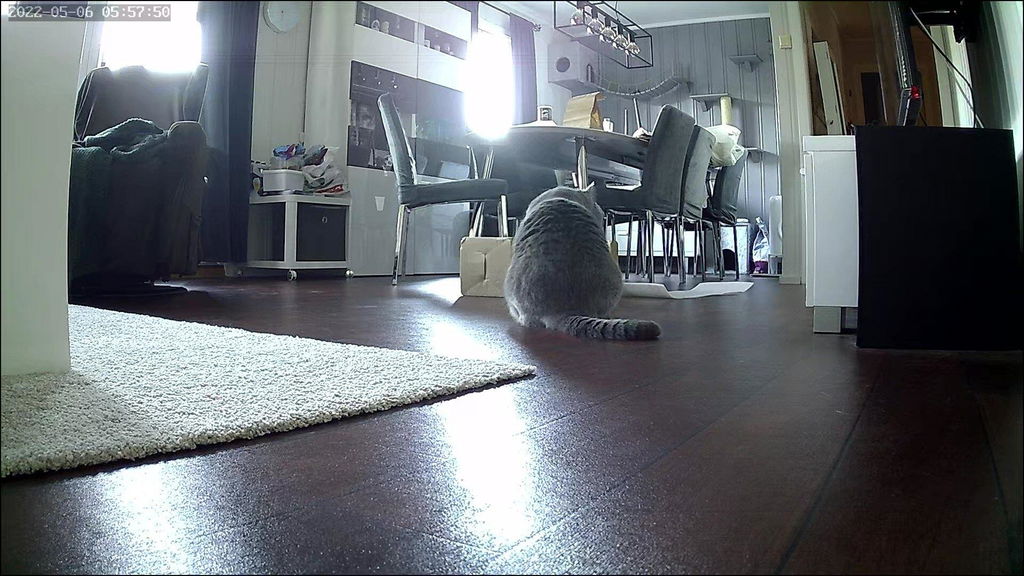
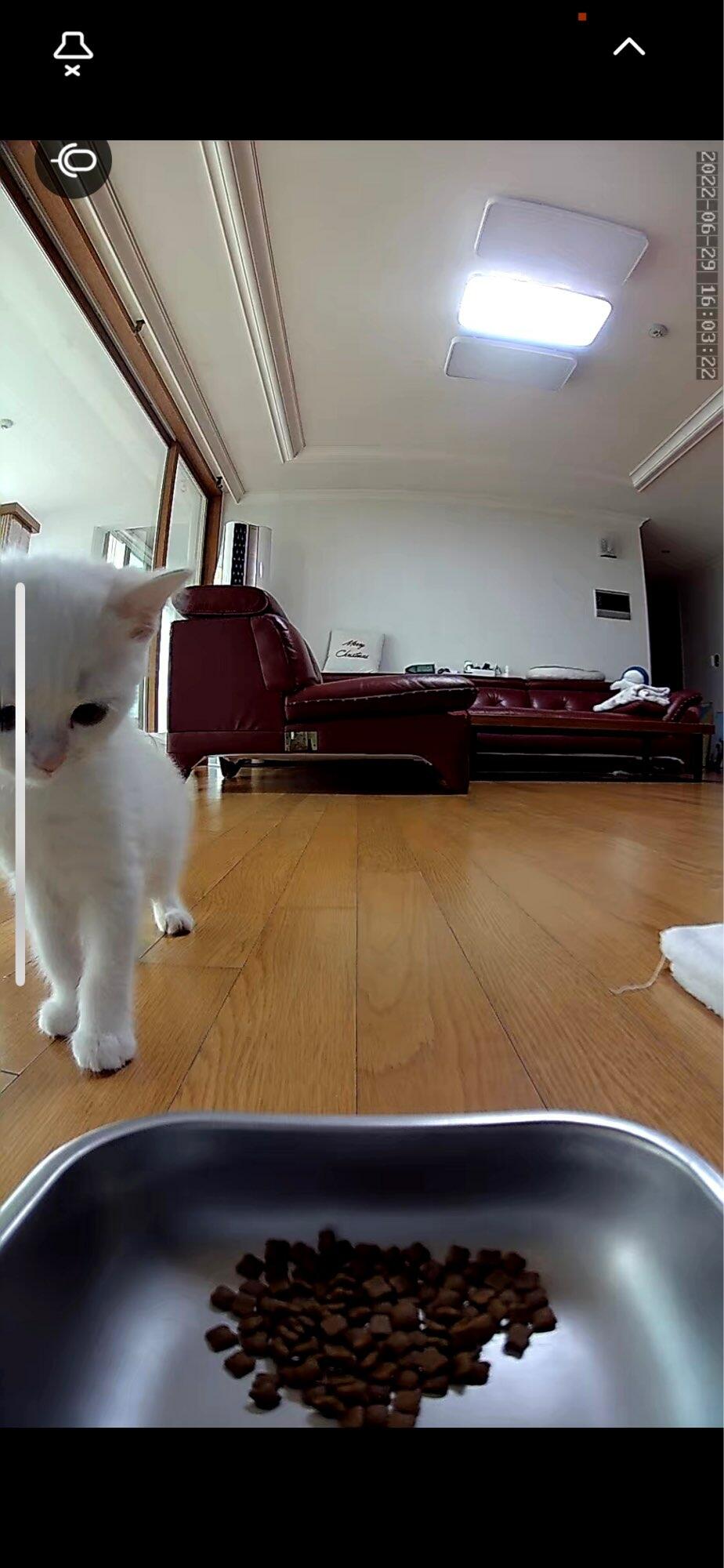
Use the app to set feeding times and portions, or dispense a meal manually. The camera lets you view the feeding area, while two-way voice lets you speak to your pet.
You can also record a mealtime message of up to 10 seconds. Adjust the camera angle by hand when you set up the feeder; it does not pan or tilt remotely.
Connected features depend on power, a compatible phone and a working 2.4 GHz Wi-Fi connection.
6 L capacity
Room for dry kibble. Refill frequency depends on your pet’s portions and food, so check the level regularly.
2–12 mm kibble
Choose dry food within the listed size range. Test dispensing with your pet’s usual kibble before setting a routine.
34 × 19 × 36 cm
Approximate length × width × height. Leave space to lift the lid, remove the tray and keep the cable out of reach.
Keep an eye on the food supply.
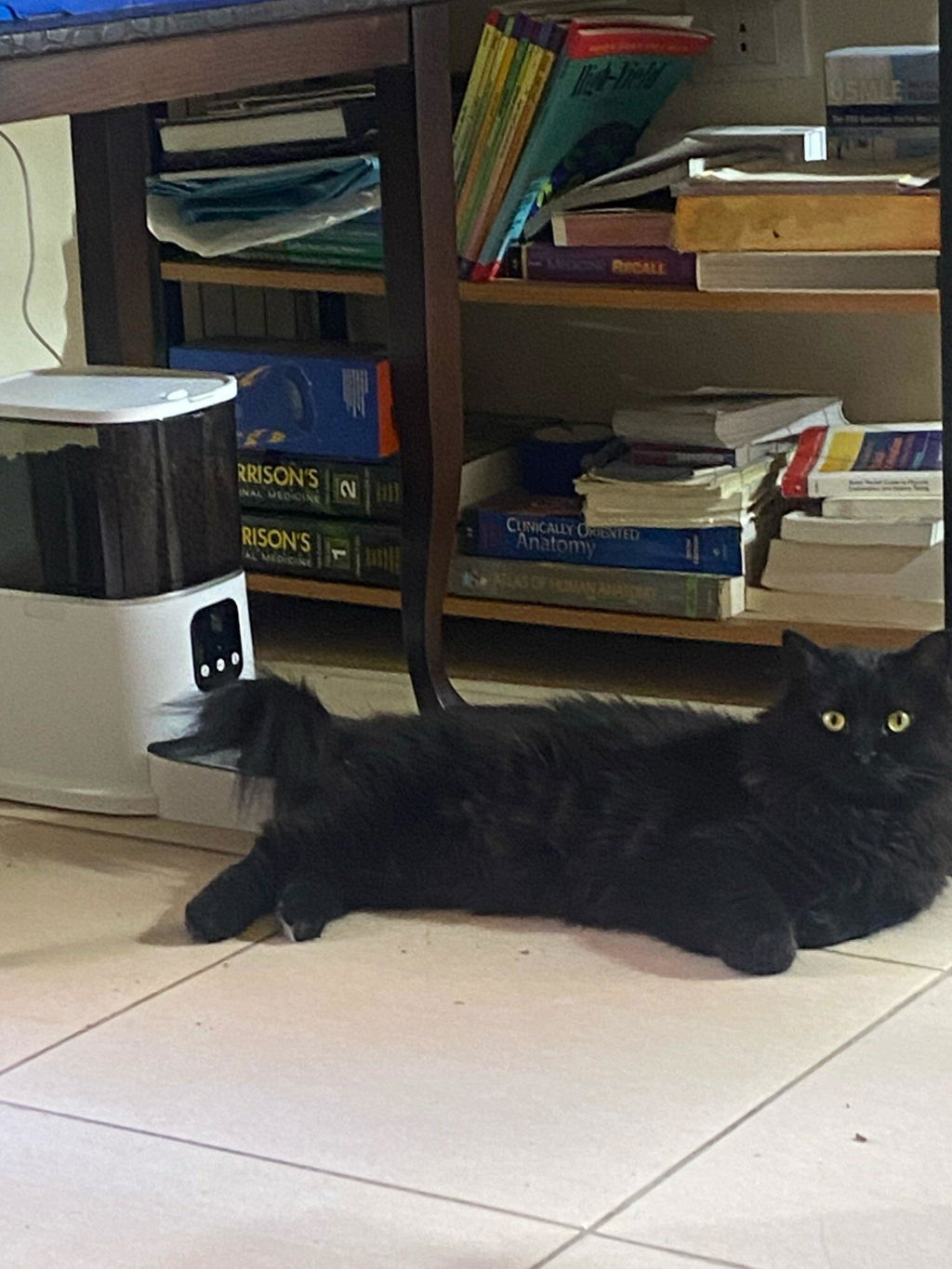
The dark, translucent reservoir lets you check the food level. Its lid has a covered holder for a desiccant packet, shown here in the original product photo.
Keep the lid closed between refills and follow the supplied instructions for desiccant replacement. Keep packets away from pets and out of the food bowl.


A removable tray for everyday cleaning.
The food tank and tray detach for cleaning. The bowl has a stainless steel inner surface, with a white outer tray that sits beneath the food outlet.
Disconnect power before cleaning. Follow the manual for washing removable parts, keep the electronic base dry and let everything dry completely before reassembling.
Get ready for the first meal.
-
1
Place and power
Choose a dry, level indoor spot. Fit the tray and connect the supplied power adapter and USB cable. Keep the cable away from chewing and water.
-
2
Connect and fill
Use the app named in the included manual and follow its pairing steps on 2.4 GHz Wi-Fi. Add suitable dry kibble and close the lid.
-
3
Test the portion
Dispense a test meal and measure it against your pet’s usual serving. Set the schedule, then observe a scheduled feed before relying on it.
Check food, water and operation daily. An automatic feeder supports a feeding routine; arrange in-person care whenever you are away.
Good to know before you order.
What Wi-Fi connection does it need?
WagFeeder supports 2.4 GHz Wi-Fi for app and camera features. A 5 GHz-only network is not compatible. Follow the included manual for the correct app and pairing steps; contact us before ordering if you need to confirm compatibility with your phone or network.
Can I use wet food or any size of kibble?
Use dry kibble sized 2–12 mm. Do not fill the tank with wet or moist food. Kibble shape and density affect dispensing, so test your pet’s food and measure a portion during setup.
How is it powered, and are batteries included?
A power adapter and USB cable are included for plug-in use. The feeder takes 3 D batteries, which are not included. Check the supplied manual for battery setup and the functions available in battery mode before relying on it. Contact us before ordering if you need to confirm the adapter’s plug or voltage for your country.
Can I move the camera from the app?
No. Adjust the camera angle manually at the feeder. Use the app for viewing, two-way voice, feeding schedules and manual dispensing.
How much food does one portion dispense?
The amount depends on kibble size, shape and density. Dispense and measure a test portion with your pet’s usual food, then set the number of portions to match their feeding plan. A full tank does not represent a fixed number of days.
What comes in the box?
One White WagFeeder with its food tank and tray, one power adapter, one USB cable and one instruction manual. Batteries and pet food are not included.
How do I clean it?
Disconnect power, remove remaining food and detach the tank and tray. Follow the manual’s cleaning instructions and dry parts fully before refilling. Keep water out of the electronic base, power connections and camera.
What should I know about returns?
The return window is 45 days from purchase, subject to the full refund policy. Eligible items must be unused, in their original condition and packaging, with proof of purchase. Sale items are excluded from refunds. Contact us for return instructions before sending anything back; return shipping is your responsibility.